How to Create an AI Microdrama: From Script to Screen
An inside look at the creative process behind Microdra.ma
By Yael Tamar | Microdra.ma
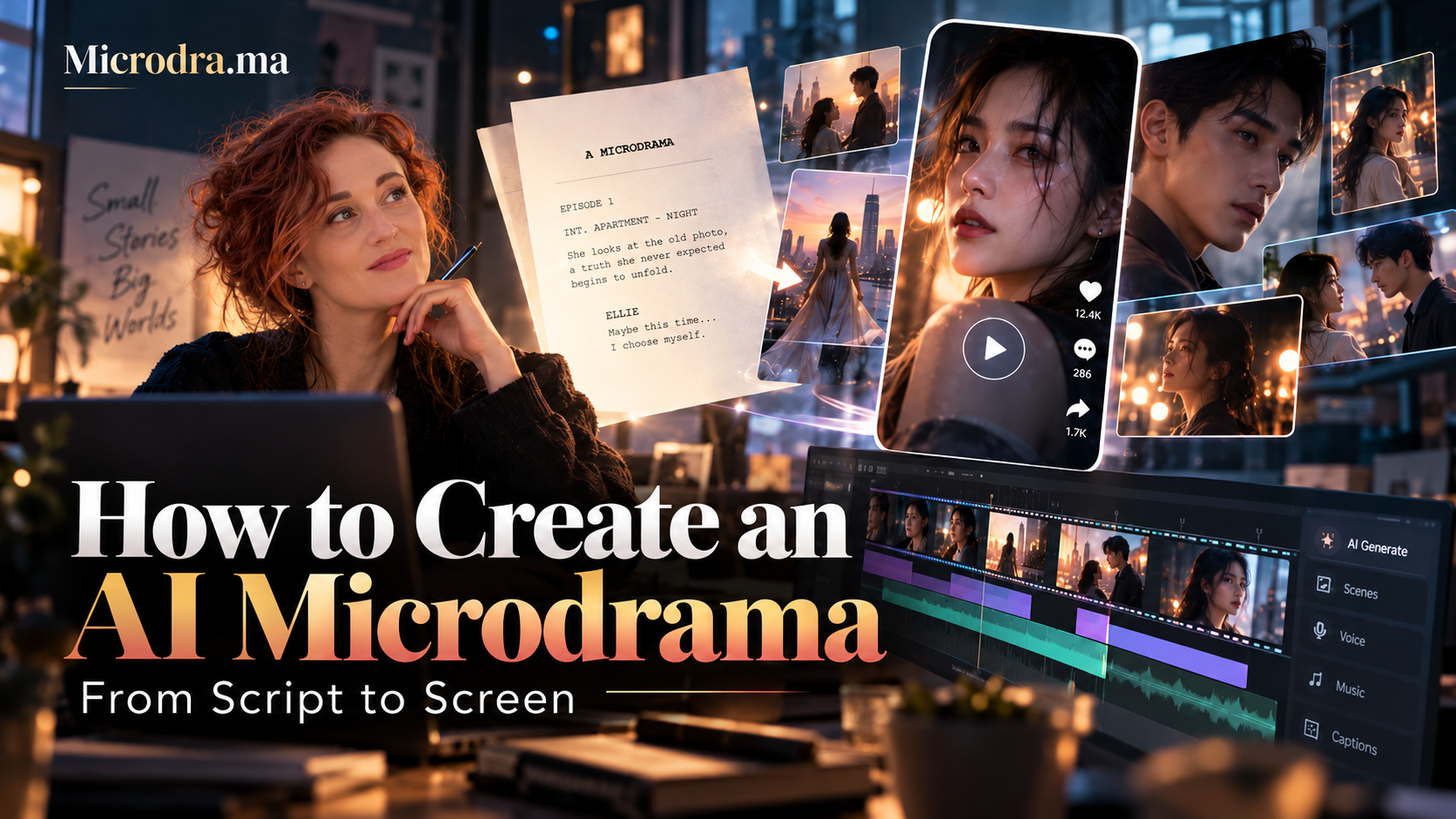
What if you could create an entire dramatic world without a traditional film crew, expensive cameras, actors on location, or a production budget running into hundreds of thousands of dollars?
Not just a few impressive AI-generated shots. An actual story-with memorable characters, emotional tension, cinematic visuals, dialogue, music, and an ending that makes viewers desperate to see what happens next.
That's what we're building at Microdra.ma.
Artificial intelligence is changing who gets to tell stories. What once required a production studio and a large team can now be accomplished by a single creator with the right tools, a strong creative vision, and a willingness to experiment.
But there's something important I've learned along the way:
AI doesn't make a great story. The creator does.
The technology gives us extraordinary new production capabilities. The real challenge is using those capabilities to make something people genuinely want to watch.
Here's how I approach the process, step by step.
1. Start With the Story, Not the Technology
One of the biggest mistakes people make when experimenting with AI filmmaking is starting with the visuals.
They generate a beautiful woman walking through a futuristic city, a dramatic explosion, or a cinematic close-up of a mysterious stranger.
The results might look impressive. But what happens next?
Without a story, they're just moving images.
At Microdra.ma, I begin with the same questions a traditional filmmaker would ask:
Who is the main character, and what do they want?
What stands in their way?
Why should the audience care?
What makes this world distinctive?
What happens in the opening seconds that makes viewers stop scrolling?
What question will remain unanswered when the episode ends?
For microdrama, these questions become especially important.
We're often telling a complete dramatic chapter in just 50-70 seconds. There's no room for unnecessary exposition. Every scene, line, and reaction needs a purpose.
My first tool: ChatGPT
I use ChatGPT to develop and polish my scripts.
Sometimes I begin with a fully written scene. Sometimes it's just a concept, a conversation, or an interesting dramatic situation.
I work with ChatGPT to refine the dialogue, strengthen character motivations, identify unnecessary scenes, and sharpen the opening hook and final cliffhanger.
I don't simply ask AI to write a story and accept the result.
I work with it as a creative collaborator, revising until the narrative feels right.
My rule: If the script isn't compelling on paper, expensive-looking AI visuals won't rescue it.
2. Create Characters Who Look Like Real People
Here's something you'll notice about many AI-generated videos: everyone looks suspiciously perfect.
The women have flawless skin. The men look like models. Everyone seems to have emerged from the same digital casting agency.
It's visually impressive, but it's also boring.
Real characters have individuality. Interesting faces have texture, asymmetry, age, history, imperfections, and expressions that suggest something beneath the surface.
That's what I look for.
How I create my characters
I start by searching photography sites such as Pexels for visual references.
I'm not necessarily searching for a particular person. I'm looking for facial features, age, expressions, and physical qualities that help define a fictional character.
I then upload those references into ChatGPT and use them as visual inspiration to develop the character.
I might ask for an Italian woman in her forties with expressive eyes, natural skin texture, and a face that suggests she's lived through something difficult.
Or an older man who looks successful but exhausted.
Or a young woman whose appearance feels slightly unconventional, yet instantly memorable.
Once I'm satisfied, I establish a consistent visual identity: facial features, hairstyle, wardrobe, and general appearance.
These reference images become the foundation for generating scenes throughout the episode.
A practical note: when using stock photographs as references, always review the applicable licensing and likeness restrictions, especially for commercial productions.
The goal isn't artificial perfection. It's creating characters an audience believes in.
3. Turn the Script Into Cinematic Images
Once the script and characters are ready, I return to ChatGPT.
This time, I ask it to help create image prompts for the key moments in the story.
Each prompt describes a specific shot:
The character's appearance and expression
Their clothing and physical position
The setting and atmosphere
Camera framing and composition
Lighting and color
Important objects in the scene
For example, instead of prompting:
A woman sits in a restaurant looking upset.
I might describe:
A cinematic medium close-up of a woman in her early forties sitting alone at a dimly lit Italian restaurant. Her mascara is slightly smudged, her expression controlled but devastated. An untouched glass of red wine sits in front of her. Warm light illuminates one side of her face while the background falls into soft shadow. Photorealistic, natural skin texture, vertical 9:16 composition.
The difference is creative specificity.
I generate and refine these images until they capture the characters, atmosphere, and emotional tone I want.
It's particularly important to maintain consistency across scenes. If your protagonist suddenly changes facial structure, hairstyle, or clothing between shots, the audience notices-even if they can't immediately explain what's wrong.
These images will guide the next stage of production.
4. Bring the Scenes to Life With Higgsfield
This is where the images begin to move.
I use Higgsfield AI Director to break down my script into scenes and generate video footage, using models such as Higgsfield 4 or Seedance 2.5.
One important distinction: I don't simply upload a still image and ask the software to animate it.
Instead, I provide the images as visual references while describing the actual scene I want the system to generate.
I direct the action, camera movement, emotional delivery, and dialogue.
For example:
A woman slowly turns toward the man sitting across from her. Her expression changes from confusion to disbelief. The camera pushes in slightly as she whispers, "You knew all along?"
The reference images help preserve character identity and cinematic consistency, while the video-generation model creates the action.
Do you need a storyboard?
Some AI filmmakers use detailed storyboards before generating a single shot.
I don't personally work that way.
I start with the script and scene breakdown, generate the clips, and sometimes rearrange them later when I discover a more powerful way to tell the story.
That's one of the things I enjoy about AI filmmaking.
The process can be surprisingly fluid. A shot originally intended for the middle of an episode might work better as the opening. A reaction that seemed insignificant can become the emotional centerpiece.
You can discover the film while making it.
Of course, not every generation works.
Sometimes a character moves unnaturally. Sometimes the expression is wrong. Sometimes a hand, background object, or piece of dialogue becomes distorted.
The trick is to know what to regenerate and what you can solve in editing.
Trying to get every shot absolutely perfect can become an endless process.
5. Editing: Where the Story Really Comes Together
Once I have my video clips, I download them and bring everything into CapCut.
This is where AI-generated material begins to feel like an actual film.
I assemble the clips, adjust their order, trim unnecessary moments, and begin shaping the rhythm of the episode.
One of my first tasks is dealing with the original audio.
AI video tools sometimes generate background music automatically. That music may not suit the story-or it may interfere with dialogue.
When necessary, I mute or remove the generated audio and rebuild the soundtrack.
If speech and music are mixed together, separating them can be more complicated. Sometimes I preserve the original dialogue. Other times, I recreate it using dedicated voice tools.
My editing philosophy
I don't believe every second needs to be packed with action.
Sometimes a two-second pause, a meaningful look, or a character's silent reaction can accomplish more than another line of dialogue.
But short-form storytelling requires discipline.
The audience needs to feel that something is happening, something is changing, and something important is at stake.
Every cut should serve that momentum.
6. The Secret Ingredient: Music
For me, music isn't something you add after the film is finished.
It's often part of how I discover the film itself.
I use Suno to create original soundtracks.
I describe the emotional progression I'm looking for: perhaps an uneasy piano introduction, a slow build of tension, and a sudden musical shift when a secret is revealed.
Then I generate several possibilities and choose the soundtrack that best supports the scene.
Sometimes I return to CapCut and completely change the editing based on the music.
A cut moves to a different beat. A close-up lasts longer. A dramatic reveal happens two seconds later.
The music starts guiding the storytelling.
This is one of my favorite parts of the process because it brings together technology and creative intuition.
The AI generates possibilities. I decide which one makes the audience feel something.
7. Giving Characters Their Voices
Dialogue is another essential element of believable AI drama.
There are several ways I handle it.
Sometimes Higgsfield generates dialogue that works perfectly well within a scene.
Other times, I prefer to create or replace the voice using ElevenLabs, which gives me more control over the delivery, rhythm, and emotional character of the speech.
I also occasionally experiment with Suno for voice-over or vocal elements.
The important thing is consistency.
If a character speaks throughout an episode, their voice needs to feel like it belongs to the same person.
An emotionally intense scene can fall apart if the voice sounds artificial, changes unexpectedly, or doesn't match the expression on screen.
Making the lips match
When I replace a character's dialogue, I sometimes use Sync to synchronize the mouth movements with the final audio.
I upload the video and voice track, generate the synchronized version, and bring the result back into CapCut.
It's an additional step, but it can make a tremendous difference in close-up dialogue scenes.
And it's another reminder that AI filmmaking isn't necessarily about pushing one button and getting a finished film.
It's about combining different technologies into one coherent creative process.
8. Final Polish: The Details That Make AI Feel Cinematic
Before publishing an episode, I review it carefully.
Are the characters visually consistent? Does the dialogue feel natural? Do the sound and music work together? Is the pacing right?
I pay particular attention to the small imperfections that can break immersion: changing faces, unnatural hand movements, inconsistent props, awkward pauses, or lips that don't match the dialogue.
I also check the vertical framing.
Microdramas are generally created for mobile viewing, so I work in 9:16 format.
The composition needs to feel intentional, not like a traditional widescreen film that was awkwardly cropped.
Once everything works, I export the episode, watch it again on a phone, and make any final adjustments.
But technical quality is only part of the test.
The most important question is still:
Would I want to watch the next episode?
Because that's ultimately what microdrama is about.
9. What I've Learned About AI Filmmaking
The biggest lesson I've learned is that AI doesn't eliminate the need for creative judgment.
If anything, it makes that judgment more important.
When the cost of generating content drops dramatically, the ability to create images and videos is no longer enough to stand out.
What matters is knowing which story deserves to be told, which characters feel authentic, which moments deserve attention, and how to turn all those individual elements into something meaningful.
AI makes it possible to experiment faster, explore more ideas, and create visual worlds that would previously have been inaccessible to independent filmmakers.
But an abundance of possibilities comes with its own challenge: knowing when something is good enough, when it needs another iteration, and when it's time to move forward.
The workflow I've described isn't the only way to make an AI drama.
It's simply the process I've developed through experimentation, production, and a lot of trial and error.
And it continues to evolve as the technology improves.
10. Your First AI Microdrama: Start Small
If you're interested in trying this yourself, my recommendation is simple.
Don't start with an entire series.
Start with one scene.
Create two characters, one location, a short dramatic conversation, and an unexpected revelation.
Aim for 30–45 seconds.
Develop the script in ChatGPT. Establish your characters with visual references. Generate your key images, create moving scenes with Higgsfield, and assemble everything in CapCut.
Experiment with Suno for music and ElevenLabs for voices. Use lip-sync only where needed.
Then watch the result.
Ask yourself whether the characters feel real, whether the tension builds, and whether the ending creates curiosity.
You'll learn more from completing one short scene than from spending weeks experimenting with disconnected AI visuals.
And once you've created your first compelling scene, you'll begin to understand how a complete episodic series might come together.
The Future of Storytelling Is in Your Hands
We're entering a fascinating period in entertainment.
For the first time, creators with extraordinary imaginations but limited production resources can build cinematic worlds and tell sophisticated visual stories.
They don't need to wait for permission from a studio, access to expensive equipment, or a traditional production team.
That doesn't mean great storytelling becomes effortless.
It means more people finally have the opportunity to try.
At Microdra.ma, we're interested in what happens when this new generation of AI-native storytellers meets an audience hungry for original characters, unexpected worlds, and stories worth following.
The tools are becoming accessible to everyone. The stories are what will make creators unforgettable.
And I can't wait to see what people create next.
Join the Next Generation of AI Storytellers
Have an original idea for a microdrama?
At Microdra.ma, we're discovering and supporting AI-native creators, developing original series, and connecting compelling stories with publishers, brands, and commercial opportunities.
Explore our work, discover new stories, and learn how to submit your own pilot.
Visit Microdra.ma/pilotrush to get started.
Have a story that deserves to become a series?